
How Menu Sense Works
From the first look at a food to the meal on your table, here's how it fits together.
Discover Your Food
Browse products, or start with something you already have at home.
Scan or Describe
Scan a product, or describe a meal in your own words.
Understand Nutrition
Get a simple view of calories, macros, sugar, sodium and ingredients.
Make Smarter Choices
Compare alternatives, then add the right one to your basket or plan.
Discover food products
Start with what is in front of you, or search for a food or product you have been meaning to look up.

Search




Scan or describe your food
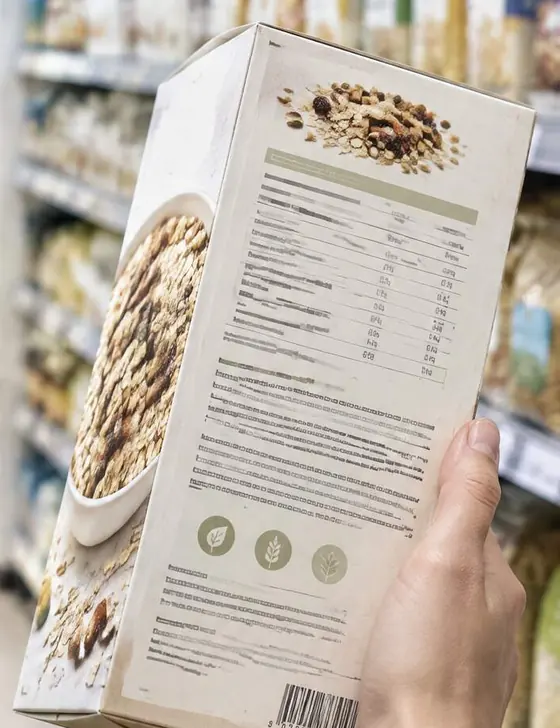
Scan a packaged product with your camera, or type a description of what you are eating when there is no packet to scan.

Understand the nutrition
See calories, protein, carbohydrates, fat, sugar, sodium and ingredients in a format that is quick to read.

Compare healthier alternatives
Look at similar products side by side, and pick the option that suits you.

Plan meals and groceries
Add meals to your week and keep your grocery list in Smart Basket, so the plan and the shop stay in step.

This week



1,720 kcal and 96g protein (sample)
Ready to try it yourself?
Download Menu Sense for a clearer view of what you eat and what goes in your basket.

Good morning
What are you eating today?